Home

Online Shoe Store Template 👟
A full online store demo, built with Next.js and Payload CMS — including products, variants, cart and full content management.
Demo Login
- Email: admin@admin.com
- Password: admin
🔄 Data looking broken? Someone may have already played with the site — click here to reset the data.
Sample Payment (Stripe test mode)
- Card number: 4242 4242 4242 4242
- Expiry: any future date · CVC: any 3 digits
This project is open source and available on GitHub.
SHOP BY CATEGORY
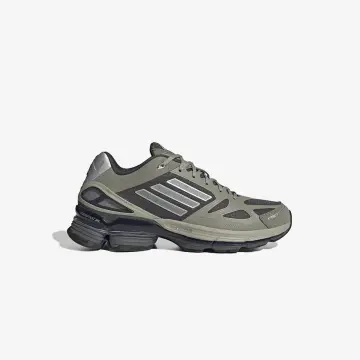
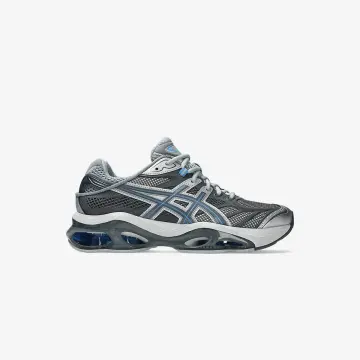
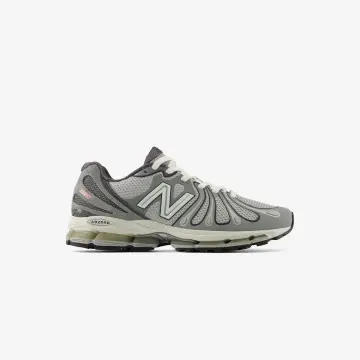
Everything an online store needs, right here
- A complete, ready-to-use online store
- A complete purchase flow: category → product → cart → checkout → order
- Option to add online payments, or run without them — with store pickup or by contacting the customer and closing the payment by phone
- Dynamic content pages you can edit and design yourself (home page, "About", and more)
- Optimized for Google and AI search engines (SEO), so the business shows up in both regular search and AI-based results
- Connected to analytics and advertising tools (Google, Meta, TikTok) with order and sales tracking
- Automatic order confirmation email + WhatsApp notification for every new order
- No monthly server costs — hosting is free for a site with low-to-medium traffic
Looking for a specialist to build your store?
Contact us at info@studiopo.net and tell us a bit about your project!
BEST SELLERS
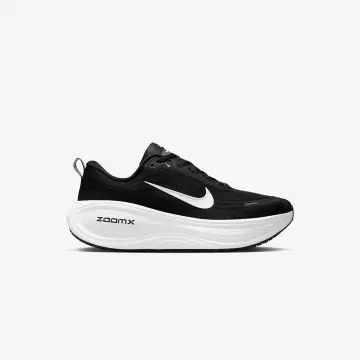
Nike Vomero Plus Black White
$29.77
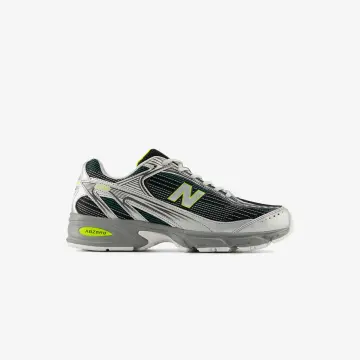
New Balance 509
$18.36
- 17%
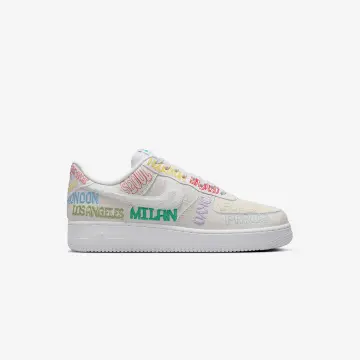
Nike Air Force 1 Low
$38.08
$31.49
- 38%
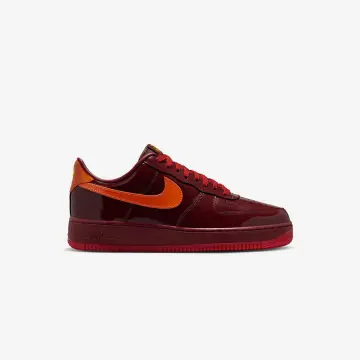
Nike Air Force 1 Low QS Red
$50.44
$31.48
- 52%
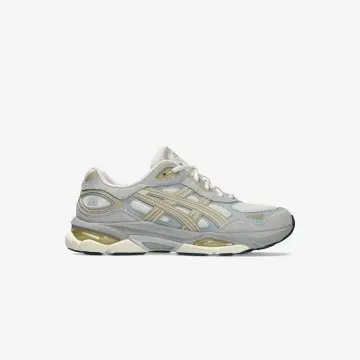
Asics Gel-NYC 2.0
$34.07
$16.46
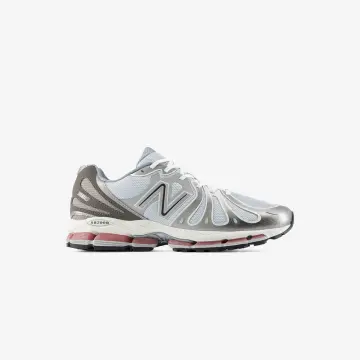
New Balance Abzorb 1890 Silver
$14.7
- 59%
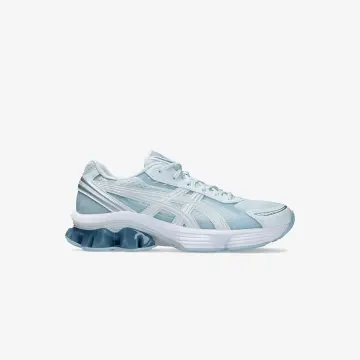
Asics Gel-Kinetic Fluent Blue
$17.15
$6.97
- 24%
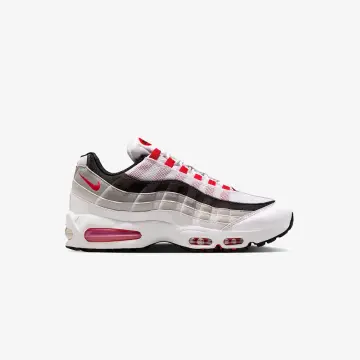
Nike Air Max 95 OG Big Bubble
$51.77
$39.52
- 33%
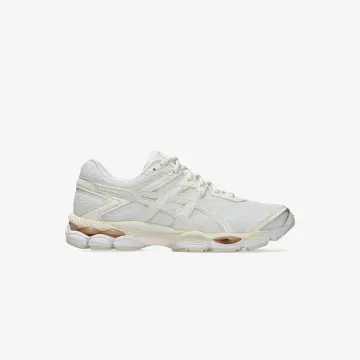
Asics Gel-Cumulus 16 Cream
$37.98
$25.61
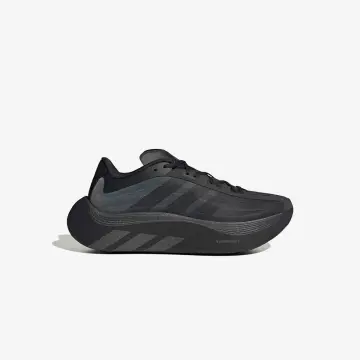
Adidas Hyper Boost Euphoria
$25.57
Frequently asked questions
What do I get with the store template?
A complete online store including category and product pages, variants, inventory management, shopping cart, checkout flow, and a friendly management system powered by Payload CMS.
What can I edit through the admin panel?
You can independently manage the home page, the hero section, content sections, products, categories, prices, inventory, images, FAQs, and SEO data — with no code changes needed.
Does the store support products with sizes, colors, or other variants?
Yes. You can define variant types like size and color for each product, with separate price and inventory per combination, and add more option types as your store needs.
Is the store fast and mobile-friendly?
Yes. The store is built with Next.js and React, adapts to any screen size, and uses smart caching and revalidation to stay fast even as the catalog grows.
Is the store ready for Google SEO?
Yes. Every page has managed metadata, a share image, and a canonical link, and a sitemap and structured data are generated automatically to help search engines understand the store and product content.
Are there subscription fees or a cut of sales?
The store is open source and fully owned by you, so there's no built-in fee on your sales volume or dependency on a closed commerce platform. Third-party service and hosting costs depend on what you choose to use.
Can the store be extended later?
Yes. You can add fields to products, new content types, pages, content blocks, and additional integrations, so the store can grow and change along with the business.
Does the store support analytics tools and order notifications?
Yes. The template is ready to connect with Google Analytics, Meta Pixel, and TikTok Pixel, and includes infrastructure for sending messages and order confirmations based on your store settings.